Why one answer is a sample
Ask an assistant the same question twice and the two answers will rarely match word for word. Four things move between one ask and the next, and none of them is about your brand.
- Randomness in the writing. Language models choose their words with some chance built in. A brand at the edge of a list can be in one answer and out of the next.
- What the web search returned. Most buying questions are answered after a search. Search results change from day to day, and the assistant reads only some of them.
- The model. Vendors update and replace models. In Teddit you choose the model each assistant answers with, so a change is visible, but only if you remember when you made it.
- Who is asking. The country and the language change the search and the answer. Teddit asks every prompt of a site from one country in one language, both set in the site’s Settings under Who is asking. Change them and you are asking a different question.
So a single scan is a sample: one answer per prompt per assistant. It is a good sample, because it is taken the same way every time, fresh and with web search on. It is still a sample. We explained the reasons in more detail in Why the same question gets different answers.
What the noise looks like in real data
It helps to see the size of it. Here is a series from our case study of a software services company: 397 prompts that were asked every week, on ChatGPT, Claude and Gemini, for the eight weeks from 24 August to 12 October 2026 in which all three were asked. Nothing about the list changed in those weeks.
| Week of | Answers naming the company | Share of answers |
|---|---|---|
| 24 Aug | 39 | 3.3% |
| 31 Aug | 29 | 2.4% |
| 7 Sep | 38 | 3.2% |
| 14 Sep | 41 | 3.5% |
| 21 Sep | 38 | 3.2% |
| 28 Sep | 48 | 4.0% |
| 5 Oct | 34 | 2.9% |
| 12 Oct | 34 | 2.9% |
Each week is about 1,190 answers. Two readings of the same table:
- Week by week: from 28 September to 5 October the company lost 14 of its 48 named answers, close to 30% in a week. Read alone, that looks like a problem worth a meeting.
- Over eight weeks: the share moved between 2.4% and 4.0%, spent six of the eight weeks between 2.9% and 3.5%, and ended there. The week of 28 September was the high point, not the normal.
Underneath the steady total, individual answers moved a lot. In the seven week-to-week comparisons, an assistant started naming the company on a prompt 95 times and stopped 100 times, while it kept naming it 167 times. Of the 1,191 combinations of prompt and assistant, 92 named the company at least once, 30 named it in a single week, and only 9 named it every week.
Compare like with like
A trend means something only if the thing being measured stayed the same. Three changes break that, and all three are easy to make without noticing.
- Adding or pausing prompts. In the same data, two prompts were added in the fifth week. They named the company in 22 of their 30 answers. Counted with the rest, weeks five to nine averaged 3.6% of answers naming the company, against 2.9% in weeks one to four. With the original 397 prompts alone, weeks five to nine averaged 3.3%: about half of the apparent rise came from the two new prompts. When you add prompts, compare the old list with itself for a few weeks.
- Changing a model. In the same series, Gemini answered with a different model in its first week than in the seven after it. Teddit records the model of every answer. Note the date of any change you make and do not read a jump in that week as a change in the world.
- Editing a prompt’s wording. An edited prompt is a new question. The row keeps its history, but the answers before and after belong to two different questions. Fix typos early and then leave the text alone.
Rules of thumb for reading a trend
- Look at counts as well as percentages. When the base is small, a percentage swings on a handful of answers. 12 named answers one week and 9 the next is a difference of three answers. Calling it a 25% decline gives it more weight than it can carry.
- Wait for three periods. One square is a draw. Three weeks in the same state is a pattern. On the Prompts screen each assistant’s row shows the last ten periods, so a run is easy to spot.
- Read each assistant on its own. In the case study, one assistant named the company 8 to 13 times a week and another 9 to 20 times. Summed, the differences cancel out and hide the one that moved.
- Choose the period to fit the question. The Day, Week, Month and 3 months buttons set how long one period is on every screen. A longer period does not add answers together; it compares the state at the start with the state at the end. For a slow, noisy measure, Month often reads better than Week.
- When something holds, open both sides. If a prompt stops naming you and stays that way, open the last answer that named you and the first one that did not. Compare the sources. A page that dropped out or a new list that appeared usually explains it.
Where to read trends in Teddit
- Dashboard. The four numbers at the top compare the period with the one before, and What changed lists the prompts where an assistant started or stopped naming you or linking to you.
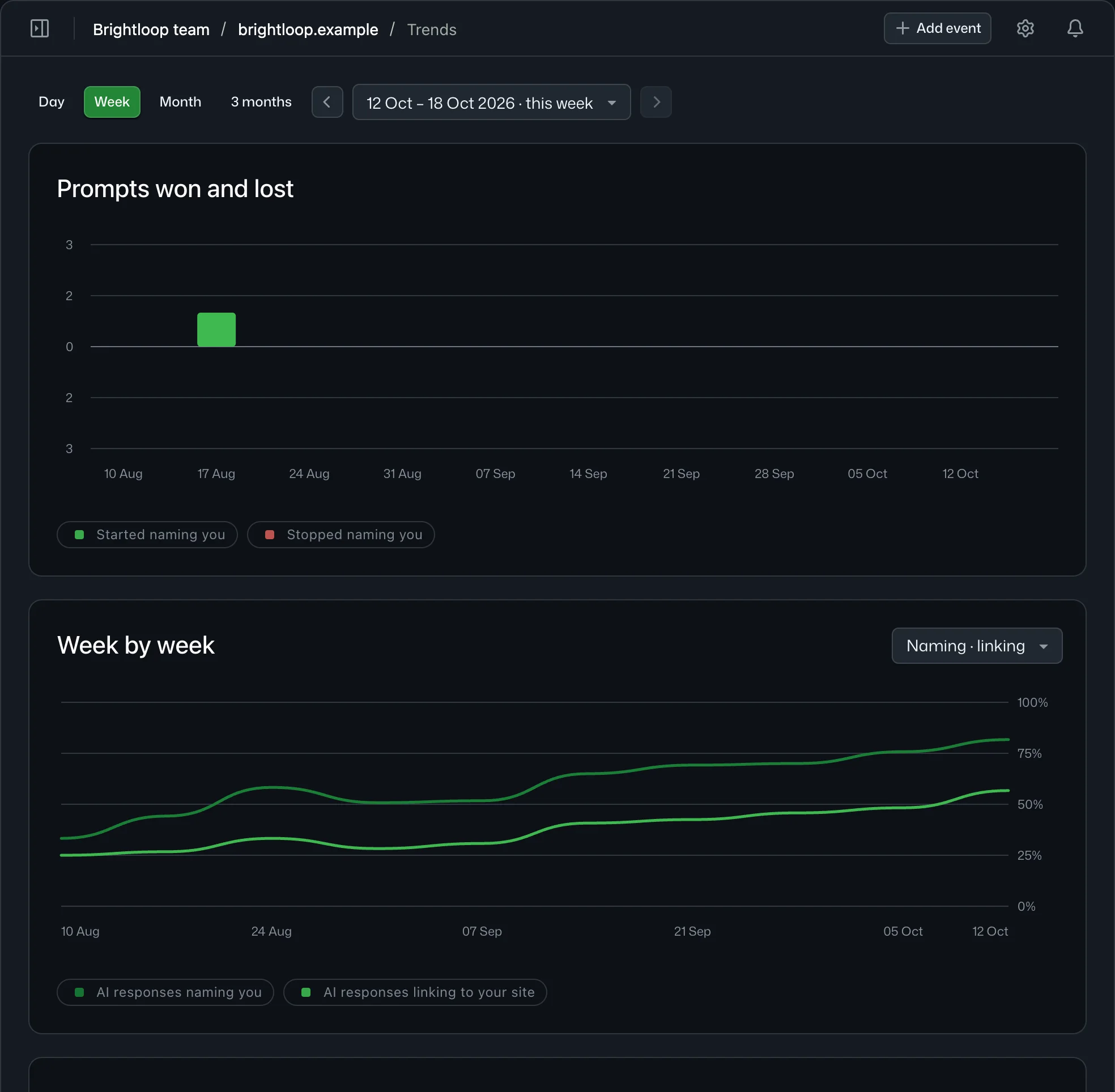
- Trends. Visibility by category and by prompt over ten periods, and the prompts won and lost per period.
- Prompts. The squares, one row per assistant, and every square opens the answer behind it.
- Your own AI. Through the MCP server, the tool
get_trendssorts prompts into held (named in each of the last four weeks), lost (not named for two weeks or more after being named) and volatile. Ask it to separate what held from what flickered before it draws conclusions.
A weekly schedule suits most brands: often enough to catch a change, slow enough to read what came back. Set it under Scans → Scan settings, or when you set up your first site.